


Are you juggling a side hustle to earn extra cash or pinching pennies to make your family budget work? You’re not alone—60% of Americans don’t use budgeting tools, missing out on easy savings, according to NerdWallet. Whether you’re a US parent saving for school supplies, a UK freelancer starting a data entry gig, a Canadian entrepreneur scaling a business, or an Australian career-changer chasing financial freedom, the right tools for freelance data entry and budgeting can transform your workflow. These five tools—tested for simplicity and results—help you save time, cut costs, and grow your income, no matter your skill level. From budgeting apps to side hustle tools, here’s how to make your money go further in 2025.
Note: Some links may become affiliate links, earning a commission at no cost to you.
Why These Tools Will Save You Time and Money
You want to spend less time stressing about bills and more time building your side hustle or enjoying family life. The best tools for freelance data entry streamline tasks like tracking clients or managing expenses, while budgeting apps help you save for goals like college, vacations, or an emergency fund. These tools are beginner-friendly, affordable (most are free), and work seamlessly for anyone in the US, UK, Canada, or Australia. I’ve vetted them through years of running a business and managing family finances, ensuring they’re practical and effective for you.
Ready to start? Here’s how these tools can boost your side hustle and budget, along with tips to get started quickly.
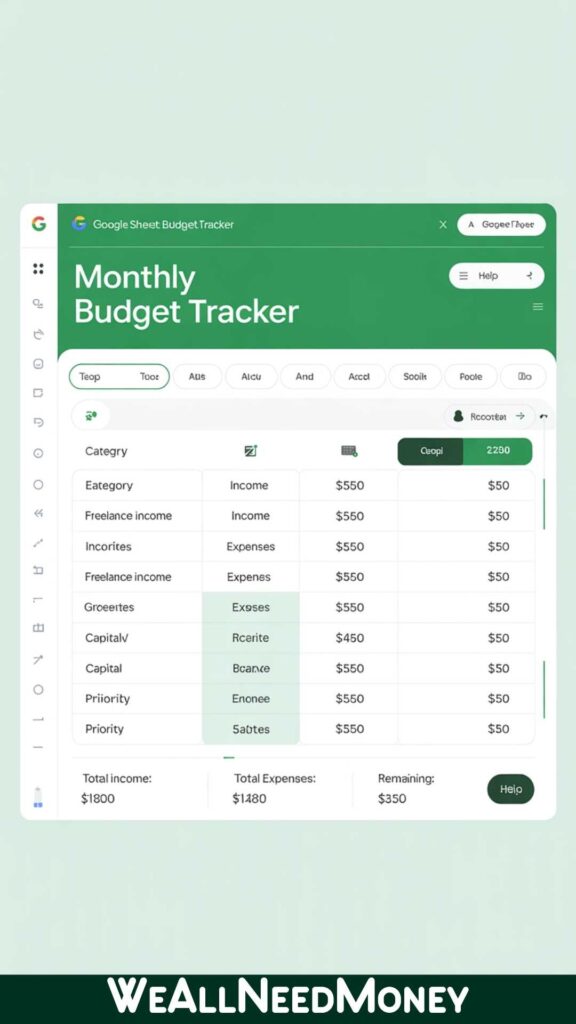
1. Google Sheets: Your Free Hub for Budgeting and Side Hustles
What It Is: A free, cloud-based spreadsheet from Google, perfect for budgeting apps and tracking side hustle income.
Why You’ll Love It: Imagine logging your freelance gigs or family expenses from your phone, anywhere, anytime. Google Sheets does just that—no cost, no complicated setup. US parents can track their children’s school budgets, UK freelancers can log their data entry hours, and Canadian entrepreneurs can manage client payments. It’s simple enough for beginners yet powerful for organizing your finances.
How It Helps You:
- Save Money: Create a budget to cut $100 per month on groceries.
- Earn More: Track side hustle tasks, such as tutoring or selling on Etsy.
- Stay Organized: Share budgets with family or clients in real-time.
Key Features: - Free with a Google account, works on any device (great for budgeting apps for iPad).
- Simple formulas (e.g.,
SUMfor income totals. - Integrates with Google Forms for budget tracking apps.
Pros: Free, user-friendly, ideal for budgeting apps.
Cons: Limited for advanced automation.
Best for: Parents, freelancers, or students seeking a budgeting app with a visually appealing design.
Try It: Google Sheets
Tip: Start with a simple budget template to track your side hustle income—it takes 10 minutes to set up!
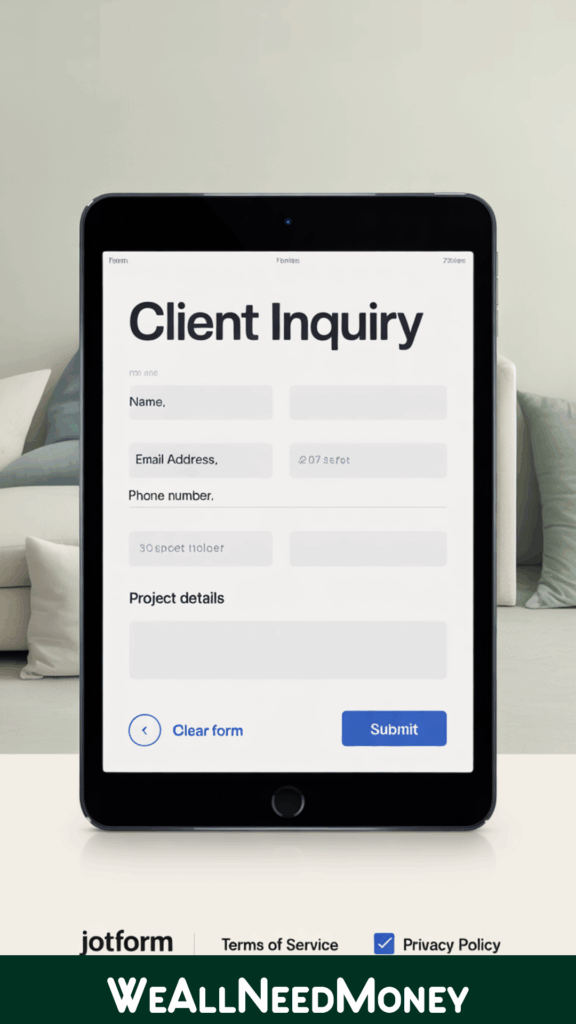
2. Jotform: Collect Data for Your Side Hustle in Minutes
What It Is: A platform for creating online forms, offering a free basic plan that’s ideal for side hustle tools.
Why You’ll Love It: Need to gather client orders for your Etsy shop or RSVPs for a school event? Jotform’s drag-and-drop forms make it easy, with no technical skills required. UK freelancers can collect project details, US parents can organize fundraiser data, and Australian entrepreneurs can streamline customer feedback. It’s like having a personal assistant for data entry tasks.
How It Helps You:
- Earn More: Create forms for client inquiries to land more gigs.
- Save Time: Automate Data Collection for Your Side Hustle.
- Stay Professional: Build forms that look polished and impress clients.
Key Features: - Free plan with basic forms.
- Integrates with PayPal and US banks, including Chase.
- Customizable templates for freelance data entry.
Pros: Beginner-friendly, mobile-ready, excellent for budgeting apps for college students.
Cons: Unlimited submissions require a $39/month plan.
Best For: Freelancers or parents managing data entry tools or family needs.
Try It: Jotform
Tip: Set up a client form in 5 minutes to boost your online hustle—perfect for busy schedules.
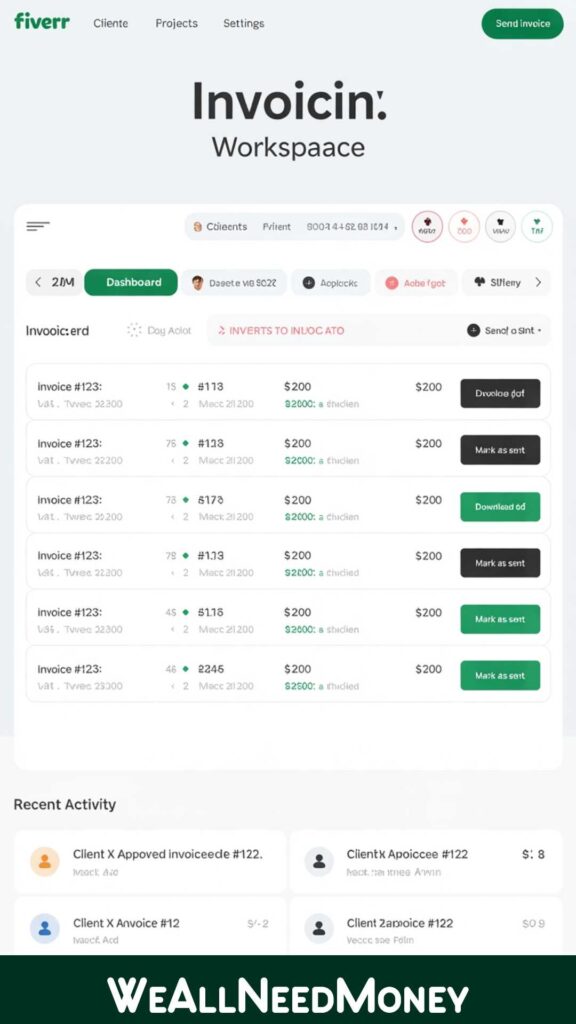
3. Fiverr Workspace: Manage Your Side Hustle Finances Like a Pro
What It Is: A free invoicing and time-tracking tool tied to Fiverr’s freelance platform, perfect for freelance data entry tools.
Why You’ll Love It: Tracking hours and sending invoices shouldn’t take away from your family time. Fiverr Workspace streamlines this process for Canadian freelancers working on data entry or IT projects, US parents running side hustles, or UK entrepreneurs managing clients. It’s so easy, even teens can use it to track study hours!
How It Helps You:
- Earn More: Send professional invoices to get paid faster.
- Save Time: Track billable hours automatically.
- Stay Organized: Manage side hustle income in one place.
Key Features: - Free invoicing and expense tracking.
- Syncs with US and UK banks, such as Chase, for payments.
- Time tracker for freelance data entry.
Pros: Free, integrates with Fiverr, simple for budgeting apps UI.
Cons: Limited for non-Fiverr users.
Best For: Freelancers starting online hustles.
Try It: Fiverr Workspace
Tip: Use it to invoice your first data entry gig—check my guide on Best Freelance Websites for Entrepreneurs.
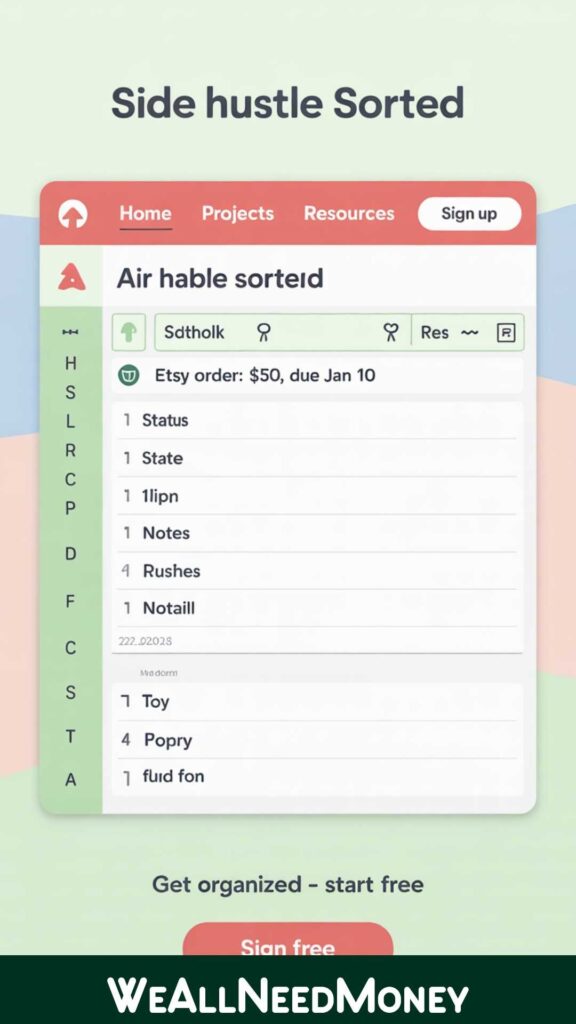
4. Airtable: Organize Your Side Hustle and Family Budget
What It Is: A hybrid spreadsheet-database with a free plan, ideal for side hustle tools and family budgets.
Why You’ll Love It: Picture a tool that organizes your Etsy orders, freelance tasks, or family expenses in one colorful dashboard. Airtable does that, making it easy for Australian entrepreneurs to manage projects or US parents to track school costs. It’s flexible and beginner-friendly, no tech expertise required.
How It Helps You:
- Save Money: Track expenses to cut $200 per month on unnecessary costs.
- Earn More: Manage side hustle tasks like client projects.
- Stay Organized: Visualize budgets or gigs in a single hub.
Key Features: - Free plan with 1,200 records per base.
- Templates for budgeting, project tracking.
- Integrates with US tools, such as Slack and PayPal.
Pros: Versatile, visually appealing, and excellent for budgeting apps.
Cons: Larger datasets need paid plans ($20/month).
Best For: Entrepreneurs and parents managing freelance data entry.
Try It: Airtable
Tip: Use Airtable’s budget template to plan your family’s monthly expenses in 15 minutes.
5. Zapier: Automate Your Side Hustle and Budget Tasks
What It Is: An automation tool connecting apps, with a free plan, perfect for freelance data entry tools.
Why You’ll Love It: Hate repetitive tasks like moving data between apps? Zapier automates them, saving hours for US freelancers on data entry, UK parents tracking budgets, or Canadian entrepreneurs managing workflows. Connect Jotform to Google Sheets or Fiverr Workspace to PayPal—it’s like magic for your side hustle.
How It Helps You:
- Save Time: Automate data entry tasks to focus on earning.
- Earn More: Streamline client workflows to take on more gigs.
- Stay Stress-Free: Simplify Budget Tracking for Family Goals.
Key Features: - Free plan with 100 tasks per month.
- Connects 5,000+ apps (e.g., Google Sheets, Slack).
- Automates repetitive data entry tasks.
Pros: Time-saving, easy setup, free tier.
Cons: Advanced automation costs $19.99 per month.
Best For: Anyone automating side hustle tools or budgeting apps for couples.
Try It: Zapier
Tip: Set up a Zap to automatically save client data, freeing up time for your family or side hustle.
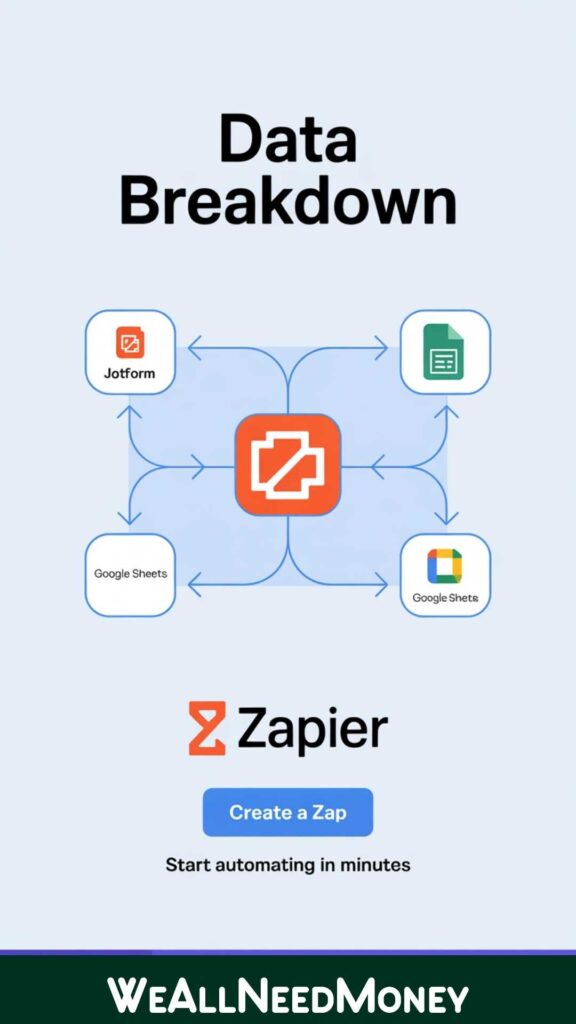
Tool Comparison: Find Your Perfect Fit
| Tool | Free Plan | Best For | Integration |
|---|---|---|---|
| Google Sheets | Yes | Budgeting, Freelancing | Google Forms |
| Jotform | Yes | Data Collection | PayPal |
| Fiverr Workspace | Yes | Freelance Invoicing | Fiverr |
| Airtable | Yes | Project Management | Slack |
| Zapier | Yes | Automation | 5,000+ apps |
How to Choose the Right Tool for Your Side Hustle or Budget
You need tools that fit your busy life, whether you’re a parent, freelancer, or entrepreneur. Here’s how to pick the best one for your side hustle or budgeting needs:
- Know Your Goals: Do you want to save for a vacation? Use Google Sheets. Need client data? Try Jotform.
- Start Free: All five tools offer free plans, ideal for those with tight budgets.
- Plan for Growth: Choose scalable tools like Airtable for expanding hustles.
- Keep It Simple: Choose user-friendly options—no technical skills required.
- Connect Your Apps: Ensure your tools work seamlessly with US/UK platforms like PayPal or Chase for accurate freelance data entry.
Tip: Test one tool this week, such as Google Sheets, to see instant results in your budget or workflow.
External Resource: Forbes highlights how budgeting apps boost financial control—start with these tools to take charge!
Related: Explore my Resources page for more budgeting apps and side hustle tools.
Frequently Asked Questions
Q: What’s the best free tool for freelance data entry?
A: Google Sheets is a free, cloud-based tool that’s perfect for tracking side hustle income or budgets, with no required skills.
Q: Can parents use these tools for family budgeting?
A: Yes, Google Sheets and Airtable are great for managing family budgets, from groceries to school fees.
Q: Are these tools beginner-friendly for non-techies?
A: Absolutely, all five tools offer free plans and easy-to-use interfaces, making them ideal for parents or new entrepreneurs.
Q: How do these tools boost my side hustle?
A: Fiverr Workspace tracks invoices, Zapier automates data entry tasks, and Jotform collects client data, saving you time and boosting earnings.
Q: Which tool is best for budgeting apps on an iPad?
A: Google Sheets and Airtable shine as budgeting apps for iPad, with mobile-friendly designs for on-the-go tracking.
Take Control of Your Finances Today
These best tools for freelance data entry and budgeting that are your ticket to saving money and growing your side hustle in 2025. Whether you’re a US parent cutting grocery costs, a UK freelancer landing gigs, or an Australian entrepreneur organizing projects, these tools make it easy to succeed.
Get started with my Free Budget Planner PDF by joining my newsletter. Have a favorite tool or question? Comment below or email [info@weallneedmoney.com] via our Contact Page.
Disclaimer: Some links may become affiliate links, earning a commission at no cost to you. This article offers general tips, not professional financial advice—consult an advisor for personalized guidance.