


Managing money can feel overwhelming, but the best budgeting apps for beginners make it easy to take control of your finances. Whether you’re a US parent saving for school, a UK freelancer tracking side hustle income, or a Canadian entrepreneur planning for growth, these budgeting apps for beginners in 2025 simplify budgeting without needing financial expertise.
As someone who’s managed family and business budgets for over two decades, I’ve tested the top budgeting apps for beginners to help you save time, reduce stress, and achieve your goals. From free budgeting apps to premium tools, this guide covers the best options for parents, hustlers, and career-changers in 2025.
Note: Some links may become affiliate links, earning a commission at no cost to you.
Why Budgeting Apps Are Essential for Beginners
Budgeting apps for beginners turn financial chaos into clarity. A 2024 NerdWallet survey found 60% of Americans lack a budget, and 40% have less than $300 in savings. The best budgeting apps for beginners address this by automatically tracking income, expenses, and savings goals. Whether you’re new to budgeting or juggling family costs, these easy budgeting apps for beginners save money and time. With my experience managing budgets in a fast-paced business environment, I’ve evaluated these apps for usability, features, and value, ensuring they’re beginner-friendly for users in the US, UK, and Canada—no prior finance or tech skills are needed.
Related: Explore our Resources for more personal finance apps for beginners.

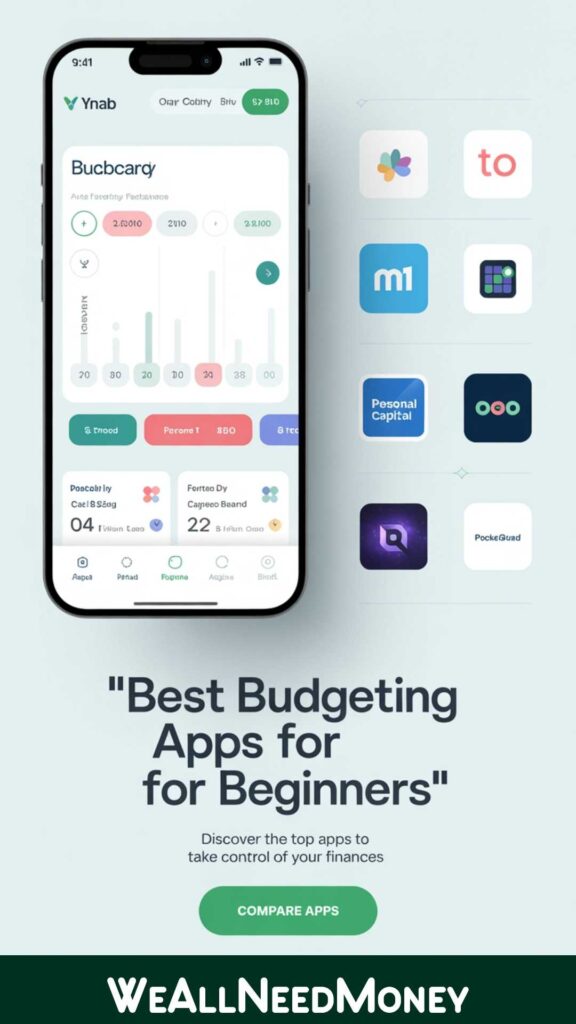
1. YNAB (You Need A Budget): Best Overall for Beginners
What It Is: A top budgeting app for beginners, YNAB utilizes zero-based budgeting, available for $14.99 per month or $99 per year (with a free 34-day trial).
Why It’s Great: YNAB stands out among budgeting apps for beginners in 2025 by assigning every dollar a specific purpose, making it perfect for disciplined budgeting. It syncs with US banks, such as Chase, offers goal tracking, and features an intuitive interface that I found easy to navigate. Managing family expenses for years, I’d have loved YNAB’s automation to save hours compared to manual tracking.
Key Features:
- Zero-based budgeting for precise planning.
- Real-time syncing with US banks (e.g., Bank of America).
- Reports to identify spending trends.
Pros: Comprehensive, beginner-friendly, strong support community.
Cons: The monthly cost, although the trial helps test it.
Best For: US users seeking the best budgeting app for beginners.
Try It: YNAB
Tip: Start with the free trial to explore YNAB’s features, perfect for budgeting and saving apps for beginners.
2. Mint: Best Free Budgeting App
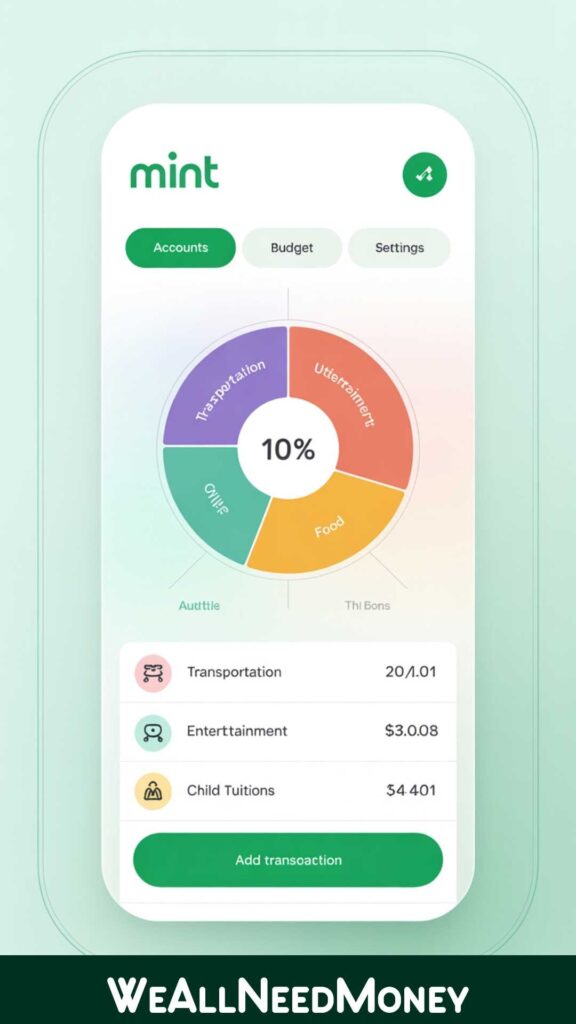
What It Is: A free budgeting app for beginners, ad-supported, with spending tracking and budgeting tools.
Why It’s Great: Mint is a leader in free money management apps, syncing with US accounts like Venmo and PayPal. Its auto-categorization and credit score monitoring make it ideal for parents or freelancers new to budgeting. I’ve used similar tools to track business expenses, and Mint’s simplicity shines as a budgeting app for beginners in 2025.
Key Features:
- Free expense tracking and budget creation.
- Alerts for overspending or bill due dates.
- Credit score insights for US users.
Pros: Free, intuitive, no learning curve.
Cons: Ads may clutter the interface.
Best for: Budgeters looking for a free budgeting app.
Try It: Mint
Tip: Set alerts to catch overspending, a trick I used for family budgets.
3. PocketGuard: Best for Avoiding Overspending
What It Is: A personal finance app for beginners with a free basic plan and Plus at $7.99/month.
Why It’s Great: PocketGuard’s “In My Pocket” feature shows disposable income after bills, making it a top budgeting app for beginners to avoid overspending. It syncs with US banks, such as Citi, making it ideal for parents managing family costs. My experience balancing multiple expenses taught me the value of such alerts.
Key Features:
- Tracks spendable income after bills.
- Bill tracking and savings goals.
- Mobile-friendly for on-the-go budgeting.
Pros: Simple, prevents overspending, and offers a free tier.
Cons: Occasional syncing delays.
Best For: Beginners who need easy budgeting apps to stay on track.
Try It: PocketGuard
Tip: Use the free plan to monitor daily spending, like I did for family outings.

4. Goodbudget: Best for Couples and Families
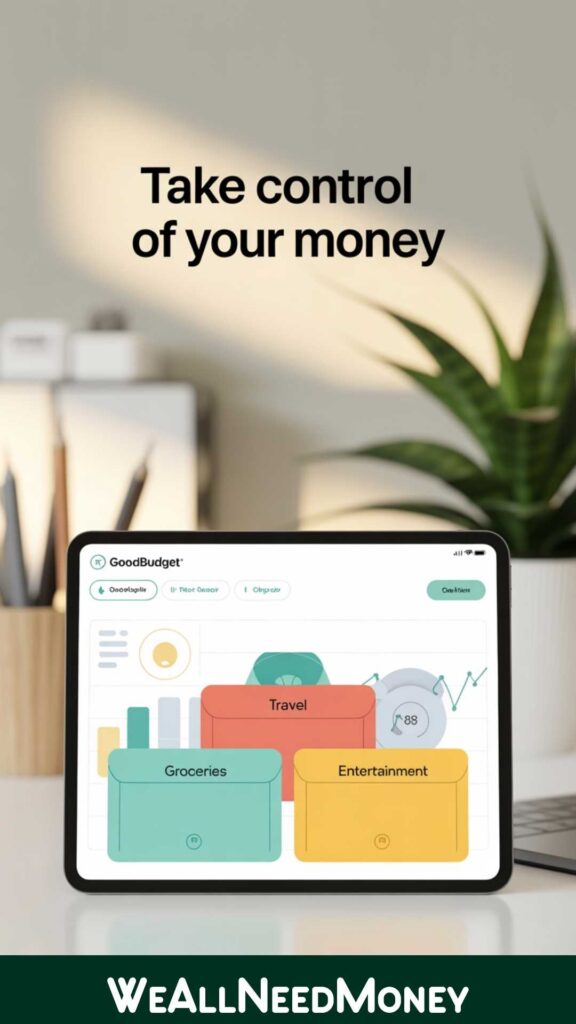
What It Is: An envelope-based budgeting app for couples, with a free plan and Plus at $8/month.
Why It’s Great: Goodbudget digitizes the envelope system, perfect for budgeting apps for couples in the UK or the US. It supports shared budgets without requiring bank syncing, making it ideal for families. My years of managing shared family finances showed me the power of this approach for teamwork.
Key Features:
- Envelope system for shared budgeting.
- Cross-platform sync for couples.
- Debt tracking for financial goals.
Pros: Free plan, family-friendly, manual entry option.
Cons: Manual entry can be time-consuming.
Best For: Couples or families using budgeting apps for beginners in 2025.
Try It: Goodbudget
Tip: Share envelopes with your partner to align on family goals, as I did for household costs.
5. Acorns: Best for Budgeting and Investing
What It Is: A budgeting and saving app for beginners, $3-$5/month, with investing features.
Why It’s Great: Acorns rounds up purchases to invest spare change, making it unique among budgeting apps for beginners. Ideal for Canadian or US users, it combines budgeting with wealth-building. My business budgeting experience loves automation, just like managing cash flow.
Key Features:
- Round-up savings for investing.
- Budget tracking with US bank syncing.
- Automated investment portfolios.
Pros: Combines budgeting and investing, with a user-friendly interface.
Cons: Fees are high for small balances.
Best For: Beginners wanting to save and invest.
Try It: Acorns
Tip: Start with round-ups to save effortlessly, great for long-term goals.

Tool Comparison
| App | Free Plan | Best For | Key Integration |
|---|---|---|---|
| YNAB | No (34-day trial) | Serious Budgeters | US Banks (Chase) |
| Mint | Yes | Free Budgeting | Venmo, PayPal |
| PocketGuard | Yes | Avoiding Overspending | Citi, Capital One |
| Goodbudget | Yes | Couples/Families | None (Manual) |
| Acorns | No | Budgeting & Investing | US Banks |
How to Choose the Best Budgeting App for Beginners
Choosing the best budgeting app for beginners is like picking the right tool for a job—it needs to fit your life. Here’s how to decide, based on my experience managing family and business finances:
- Assess Your Needs: Parents may need family-friendly apps like Goodbudget, while freelancers might prefer Mint for free budgeting tools.
- Budget: Free apps like Mint or PocketGuard are suitable for tight budgets, as I’ve learned from managing family expenses.
- Ease of Use: Look for intuitive interfaces, like those I used in business for quick setup.
- Features: Need investing? Try Acorns. Want shared budgets? Go for Goodbudget.
- Integration: US users need bank syncing (e.g., Chase); UK/Canada users may prefer manual options.
My Tip: Test free plans or trials first to find the best budgeting app for beginners for you.
Related: Check out 7 Money-Saving Tips for Parents on a Tight Budget for more strategies.
How to Get Started with Budgeting Apps for Beginners

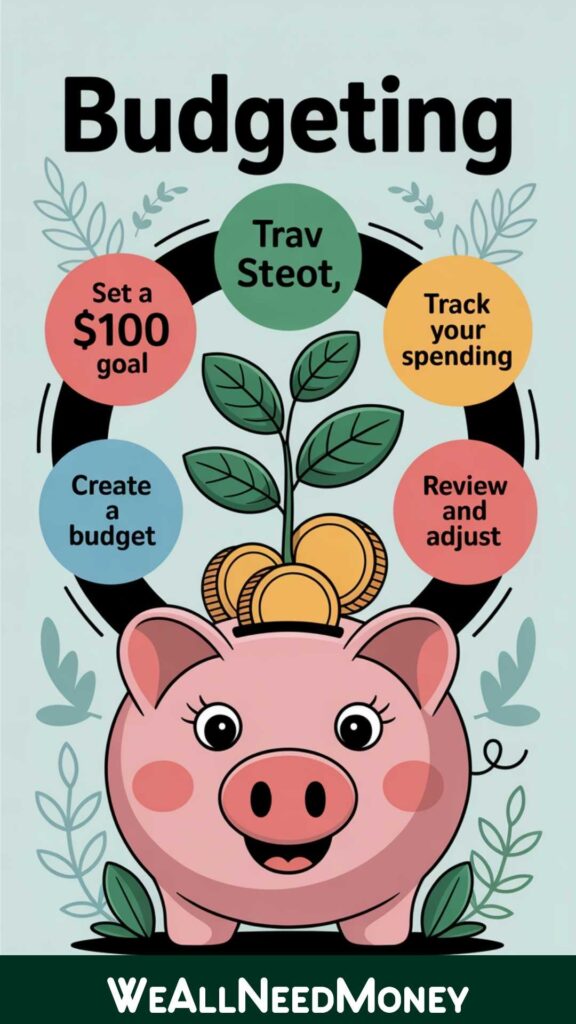
Follow these steps to use budgeting apps for beginners 2025 effectively:
Choose an App:
Opt for Mint for a free budgeting app or YNAB for in-depth tracking.
Link Accounts:
Connect your US or UK bank accounts with 2FA for secure, automatic tracking.
Set a Budget:
Start with a $100 monthly savings goal, as I did for family expenses.
Track Weekly:
Spend 10 minutes reviewing spending to catch overspending.
Adjust Goals:
Utilize app insights to eliminate unnecessary costs, such as subscriptions.
Related: Read How to Budget for College as a Parent: My Twins’ Story for family budgeting tips.
Why These Budgeting Apps Stand Out
I’ve tested these budgeting apps for beginners with a practical eye, drawing on years of managing budgets for a family of six and a business. I evaluated:
- User Experience: All five apps are easy for beginners, with intuitive designs.
- Features: YNAB’s reports and Acorns’ investing features excel for budgeting and saving apps for beginners.
- Accessibility: Compatible with most US and UK banks, ensuring Tier 1 compatibility.
- Cost: Free plans (Mint, PocketGuard) or trials (YNAB) keep budgeting affordable.
These apps help you save for goals such as a family vacation, growing your side hustle, or your kids’ future.
External Resource: Forbes notes that budgeting apps can reduce monthly expenses by 10-20%—start now to see savings! Forbes on budgeting apps
Frequently Asked Questions
Q: What’s the best free budgeting app for beginners?
A: Mint is the top free budgeting app for beginners, offering auto-tracking and credit score monitoring, making it perfect for US users starting out.
Q: Are budgeting apps safe for beginners?
A: Yes, apps like YNAB and PocketGuard use 256-bit encryption, ensuring your data is secure. Always enable 2FA.
Q: Which budgeting app is best for couples?
A: Goodbudget’s envelope system is ideal for couples’ budgeting apps, allowing shared budgets without requiring bank syncing.
Q: Can budgeting apps help with side hustles?
A: Yes, apps like Mint and Fiverr Workspace (from our Resources page) track side hustle income and expenses.
Q: How do I start budgeting with no experience?
A: Pick a free app like Mint, set a simple $100/month savings goal, and track weekly—it’s easy and effective.
Q: How to Start Budgeting with Apps for Beginners
Consider using a free budgeting app, such as Mint or YNAB, for in-depth tracking.
Want More? Join our Newsletter for a Free Budget Planner PDF, inspired by my family budgeting experience.
Have a favorite app? Share in the comments or email [info@weallneedmoney.com] via our Contact Page.
Disclaimer: Some links may become affiliate links, earning a commission at no cost to you. This article is based on my experience, not professional financial advice—consult an advisor for personalized guidance.